How a Handoff TXT Helps You Continue Work in Any Supported AI Conversation
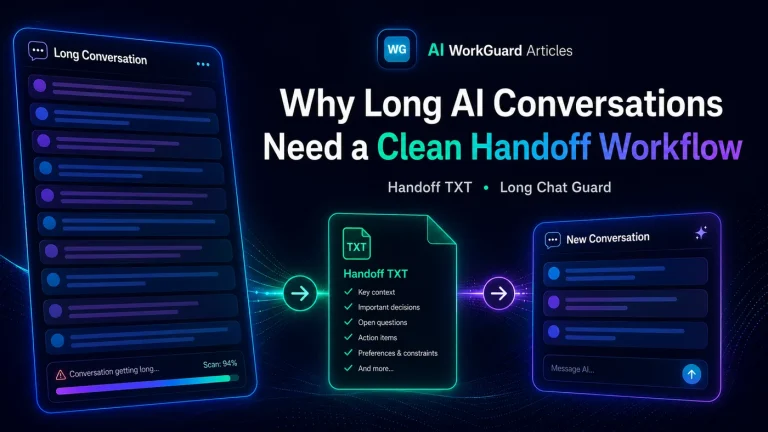
A Handoff TXT file is more than a simple summary. It is portable working context. It helps any supported AI conversation understand what matters, where the work stands, and what should happen next.
Why this idea matters
Many people use AI tools for real work: writing, coding, research, planning, support, documentation, business tasks, and long technical discussions. Over time, these conversations can become large and difficult to continue.
The useful information is still there, but it may be buried across many messages. The conversation may also become harder to navigate in the browser. At some point, the user needs a clean way to continue without repeating the whole story from the beginning.
This is the reason a Handoff TXT file is useful. It turns the important working context into a portable continuation file.
Not just a backup
A Handoff TXT file should not be treated as a backup of every message. If it tries to carry everything, it can bring the same weight and confusion into the next conversation.
The better approach is to carry forward only the working context that matters. That includes the project goal, current status, important decisions, known mistakes, relevant files, and the next action.
In that sense, a handoff is closer to a clean project brief than a full archive.
Portable context for supported AI workflows
The phrase “any supported AI conversation” is important. A Handoff TXT file is designed to be portable, but that does not mean every AI platform is automatically supported in every workflow.
It means that when an AI platform or workflow supports using the TXT file, the user can bring the important context into a new conversation and continue with less friction.
This is useful because the user is not trapped inside one very long chat. The work can move forward in a fresh conversation, and the new AI assistant can start with a clear understanding of the situation.
What the next AI conversation needs to know
When a new AI conversation starts, it usually needs a few practical things:
- what the project or task is,
- what has already been done,
- which decisions are already settled,
- which files, URLs, screenshots, or paths matter,
- what should happen next,
- what mistakes or failed attempts should not be repeated.
A good Handoff TXT file gives the next supported AI conversation this information directly. It reduces guessing and helps the next chat continue from the correct point.
A simple real-world analogy
Think of a long AI conversation like a large case folder. The folder may contain useful information, but also old notes, repeated explanations, dead ends, and earlier drafts.
A Handoff TXT file is like preparing a clean case brief before handing the work to another desk. The next person does not need to read every page first. They need to know the current state, the important decisions, and the next action.
The same idea applies to AI conversations. The handoff gives the new conversation a working brief instead of a pile of raw history.
Why this helps with long conversations
Long conversations can create three common problems.
1. Context becomes hard to find
The answer may be somewhere in the conversation, but finding it takes time. A handoff brings the useful context together in one place.
2. Old mistakes can return
If the next conversation does not know what already failed, it may repeat the same wrong path. A good handoff includes “do not repeat” notes.
3. The user has to explain everything again
Without a handoff, the user may need to manually reconstruct the project. A structured TXT file reduces that burden.
What “supported” should mean
Supported does not mean vague or unlimited. It should mean that the workflow has been tested enough to be useful and reliable for that AI platform or browser environment.
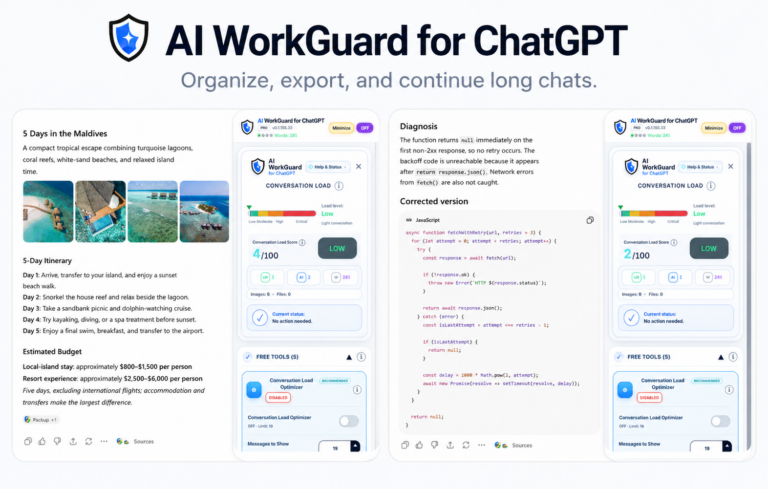
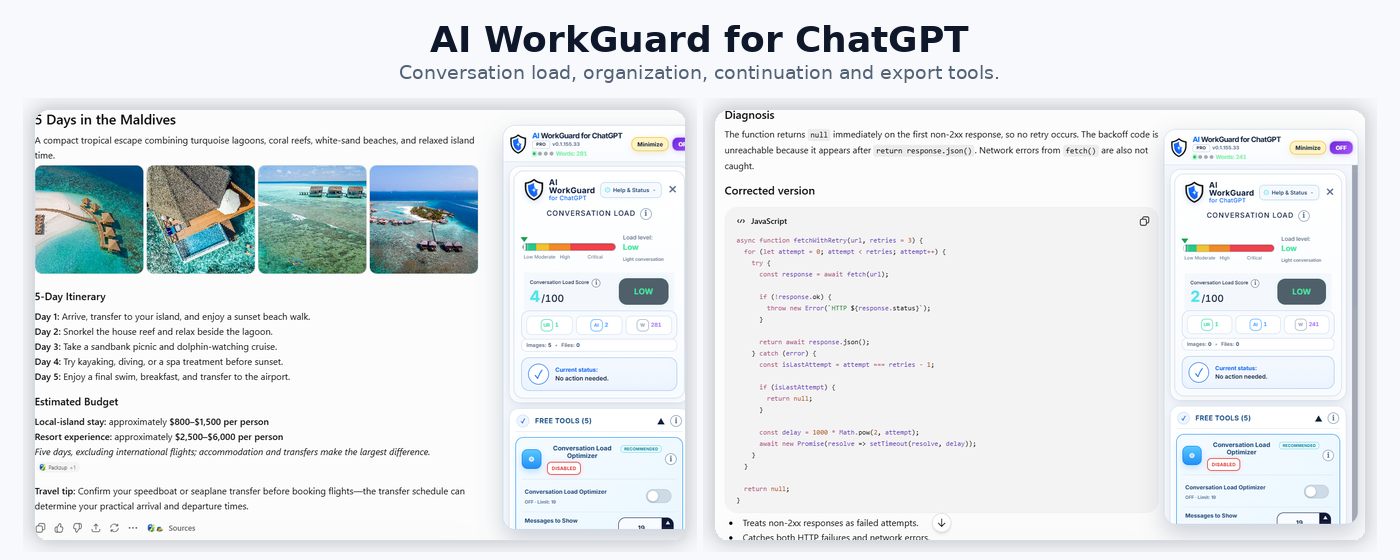
AI WorkGuard for ChatGPT is available for Chrome and Chromium-based desktop browsers through the Chrome Web Store. Support for additional browsers and AI platforms can be added carefully when it is tested and stable enough.
How AI WorkGuard fits into this workflow
AI WorkGuard is designed to help users create structured Handoff TXT files from long AI conversations in supported desktop browser workflows.
The user can create the file, download it locally, review it, and use it to continue work in a new conversation. This keeps the user in control and avoids treating the handoff as something automatic that should be trusted without review.
The goal is practical: make long AI work easier to continue, with less repeated context and fewer avoidable mistakes.
What a portable handoff should include
A portable handoff should be clear enough for a new AI conversation to act on. It should usually include:
- Project: the name or purpose of the work.
- Current status: where the work stands now.
- Key decisions: choices that should be respected.
- Files or references: links, names, paths, or relevant materials.
- Next action: what should happen next.
- Warnings: mistakes or failed approaches to avoid.
- Limits: anything the next assistant should not assume.
Example of a portable handoff note
Why plain TXT is a strength
Plain text is simple. It does not require a special editor. It can be opened, reviewed, copied, attached, archived, or reused in many workflows.
That simplicity is useful. The Handoff TXT file is not trying to be fancy. It is trying to be dependable.
A better way to move forward
A long AI conversation should not become a trap. When the work has outgrown the current chat, a Handoff TXT file gives the user a cleaner way to continue.
The value is not only that the user can start a new conversation. The value is that the new supported AI conversation can begin with the right working context.
That is the practical purpose of a handoff: continue the work, not the confusion.