What Is a Handoff TXT File?
AI WorkGuard Articles
A Handoff TXT file is a structured continuation file for long AI conversations. It helps carry the important working context into a new chat without forcing the user to copy an entire conversation or start again from zero.What is a Handoff TXT file?
A Handoff TXT file is a plain text file created to help continue work from one AI conversation to another. It is especially useful when a conversation has become long, heavy, or difficult to manage. The purpose of the file is not to save every word from the old conversation. The purpose is to preserve the information that matters for continuing the work correctly: the project, the current status, the next step, important files, and warnings about mistakes that should not be repeated.Simple definition: A Handoff TXT file is a practical continuation file. It tells the next AI conversation what matters, where the work stands, and what should happen next.
Why long AI conversations need a handoff
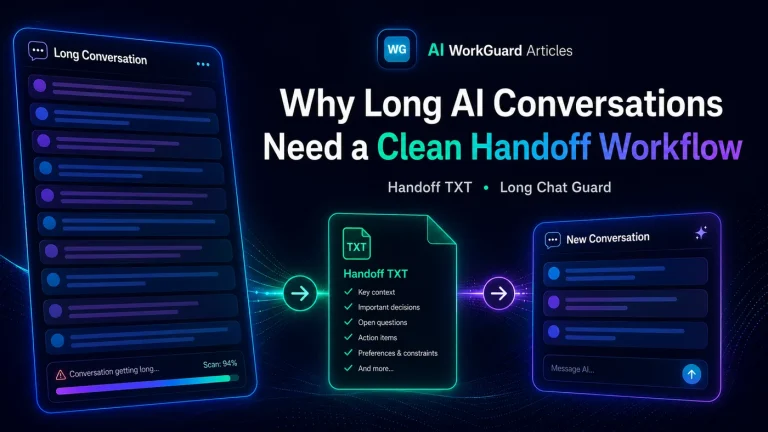
Long AI conversations can be valuable because they contain decisions, reasoning, file references, corrections, and context built over time. But after many turns, the same conversation can also become harder to use. Important details may be buried in earlier messages. The browser page may feel heavier. The user may need to repeat instructions. A new AI assistant may miss previous decisions if the work is restarted without a clean transfer of context. This is where a Handoff TXT file helps. It turns a long conversation into a clean continuation package that can be used in a fresh chat.What a good Handoff TXT file should contain
A useful handoff should be short enough to be readable but complete enough to preserve the work. It should not be a generic summary. It should be practical, structured, and focused on continuation. A good Handoff TXT file usually includes:- Project or task name: what the work is about.
- Current status: what has already been done and what is currently true.
- Important decisions: choices that should not be reopened without reason.
- Files, paths, or URLs: relevant references needed to continue.
- Next action: the exact next step the next conversation should take.
- Warnings: mistakes, failed attempts, or approaches that should not be repeated.
- Environment details: when useful, such as browser, platform, version, or workflow constraints.
Example structure
A handoff file can be simple, but it should have a clear structure. For example:PROJECT Name of the project or task.CURRENT STATUS What has already been completed and what is currently working. FILES / PATHS / LINKS Relevant files, folders, URLs, screenshots, packages, or references. NEXT ACTION The next practical step to continue the work. DO NOT REPEAT Known mistakes, failed attempts, wrong assumptions, or changes that should not be made again. NOTES Any extra context that helps the next AI conversation continue correctly.
How it is different from a normal summary
A normal summary often explains what happened. A Handoff TXT file is more specific: it is written so work can continue. That difference matters. A summary may say that a problem was discussed. A handoff should say what the problem is, what was already tried, what worked, what failed, and what the next assistant should do next. In other words, a Handoff TXT file is not just a record. It is a continuation tool.How it is different from copying the whole chat
Copying a whole conversation into a new chat can create a different problem. It may move too much information at once, including old mistakes, repeated instructions, irrelevant branches, or outdated decisions. A clean Handoff TXT file should filter the old conversation. It should carry forward the useful working context while leaving behind unnecessary weight.A Handoff TXT file should not be treated as perfect automatically. The user should always review it before using it in a new AI conversation, especially for technical, legal, financial, business, or safety-sensitive work.
When to create a Handoff TXT file
A handoff is useful when a conversation is still valuable, but the current chat is no longer the best place to continue. Typical situations include:- the conversation has become very long,
- the browser is slow or difficult to navigate,
- important decisions are spread across many messages,
- the user wants to continue the project in a fresh chat,
- the work has reached a natural checkpoint,
- the next assistant needs clear context without reading the entire old conversation.
How AI WorkGuard uses Handoff TXT files
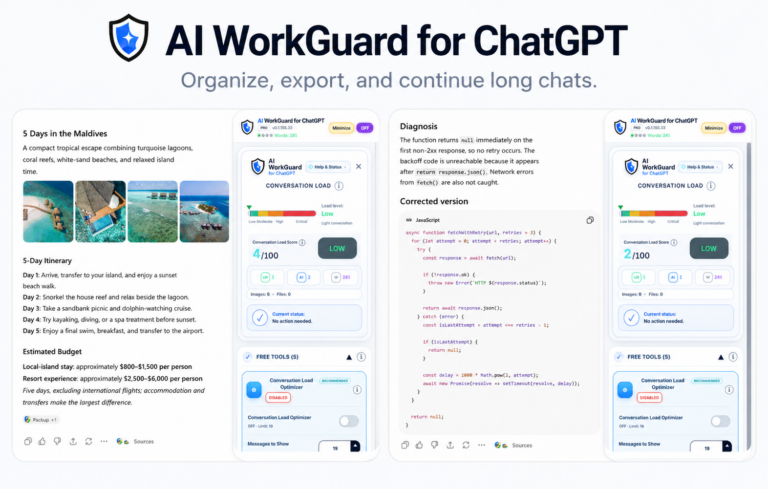
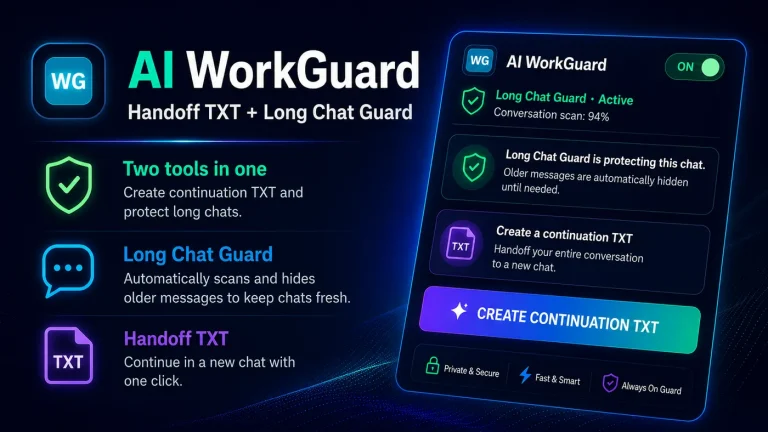
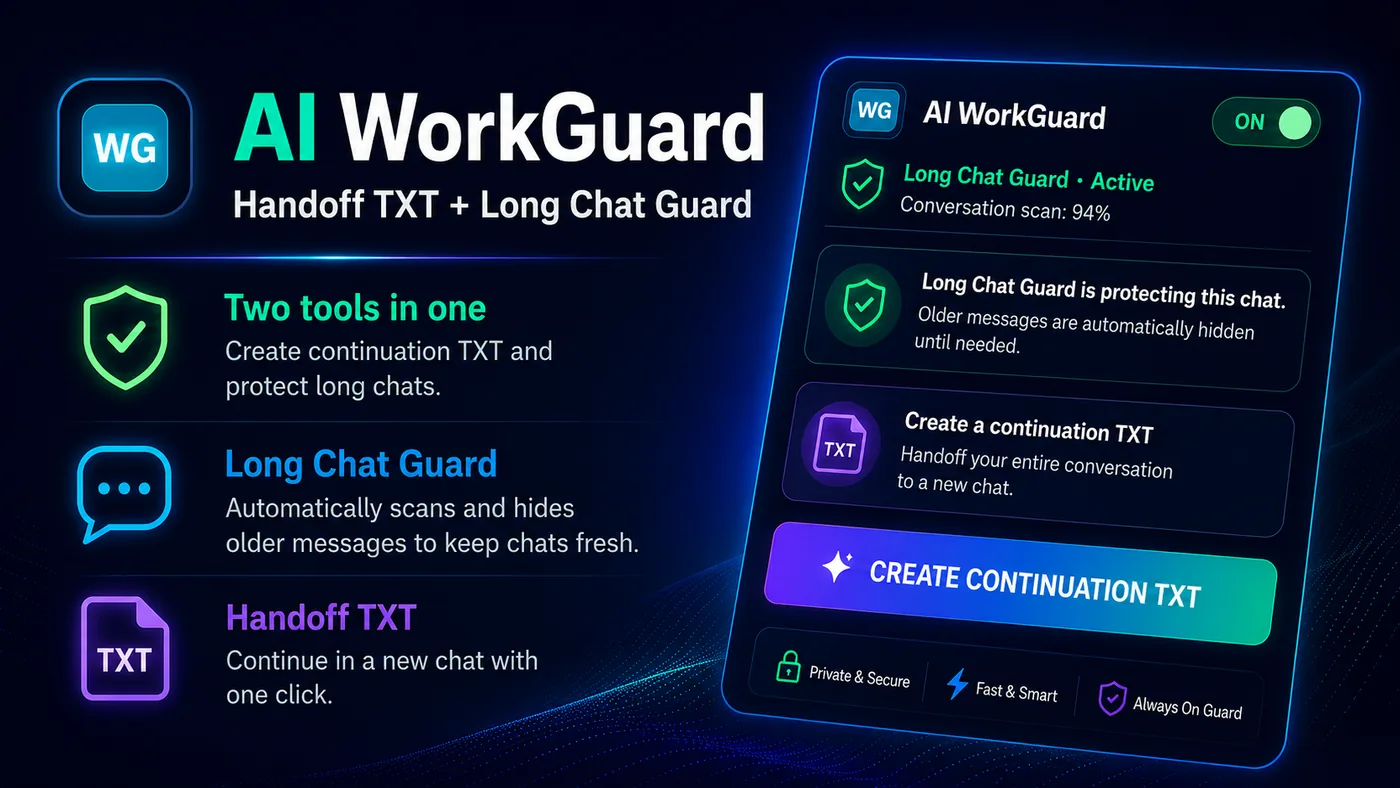
AI WorkGuard was created to make this continuation workflow easier for users who work with long AI conversations in the desktop browser. The extension helps create structured Handoff TXT files from supported AI conversation pages. The generated file is downloaded locally through the browser download flow so the user can review it and decide how to use it. AI WorkGuard also includes Long Chat Guard features designed to help large conversations stay more manageable in the desktop browser where supported.Privacy and local control
A Handoff TXT file can contain important project context, so user control matters. AI WorkGuard is designed as a local browser tool for the user-requested handoff function. Conversation content is processed locally in the browser for creating the handoff file. The TXT file is saved through the browser download flow. AI WorkGuard does not operate an external server for processing conversation content. Even with local processing, users should still be careful with the files they create. A downloaded Handoff TXT file may contain sensitive project details if the original conversation contained them.How to use a Handoff TXT file in a new conversation
The basic workflow is simple:- Create the Handoff TXT file from the old conversation.
- Open the downloaded TXT file and review it.
- Start a new AI conversation.
- Paste or upload the handoff file, depending on the platform and workflow.
- Ask the new AI assistant to acknowledge the context and continue from the next action.
What a Handoff TXT file should not do
A handoff file should not pretend to be a complete archive of everything that happened. It should not hide uncertainty. It should not remove the need for user review. It should also avoid carrying forward old confusion. If something was tried and failed, the handoff should say so clearly. If something is uncertain, it should be marked as uncertain.Why plain TXT is useful
Plain text is simple, portable, and easy to inspect. It can be opened in many editors, stored locally, copied into a new conversation, or attached where supported. That simplicity is one of the reasons Handoff TXT is useful. It avoids unnecessary formatting and focuses on the information needed to continue the work.A practical continuation habit
A Handoff TXT file works best when it becomes part of a normal workflow. When a conversation becomes too long or reaches an important checkpoint, the user can create a handoff, review it, and continue in a cleaner conversation. This helps reduce repeated explanations, lost decisions, and unnecessary browser load. It also gives the user a clearer way to manage long AI work over time.Independent tool notice: AI WorkGuard is an independent, unofficial browser extension. It is not affiliated with, endorsed by, sponsored by, or officially connected to OpenAI, ChatGPT, Google, Chrome, Mozilla, Firefox, or any AI platform.