
Browser extensions and add-ons
AI WorkGuard Tools
Practical browser tools for managing, continuing, organizing and navigating long AI conversations.
Featured extension
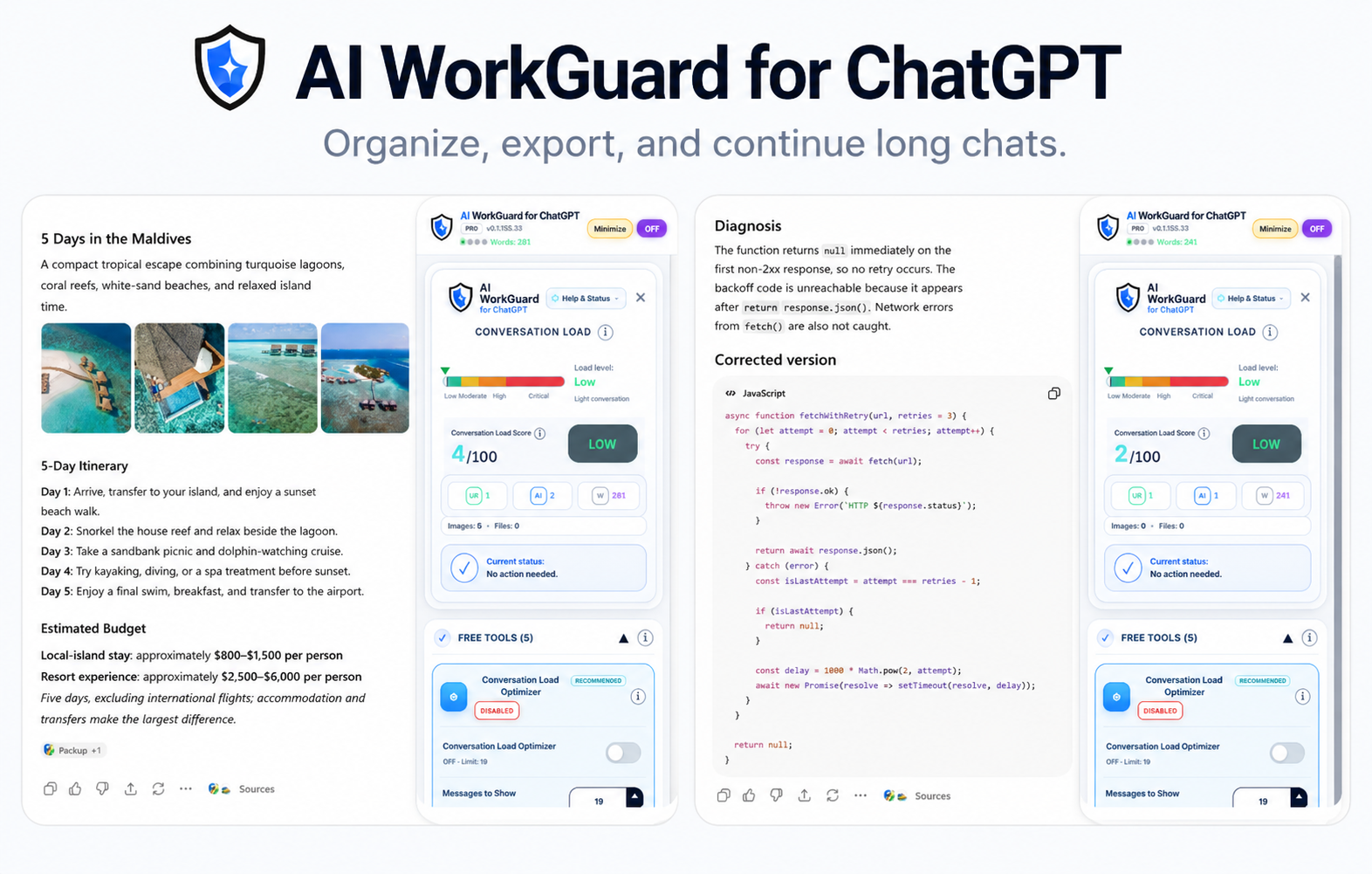
AI WorkGuard for ChatGPT
A desktop browser extension for continuing long ChatGPT conversations, monitoring conversation load, generating local export files and organizing ongoing work.
Typical workflow
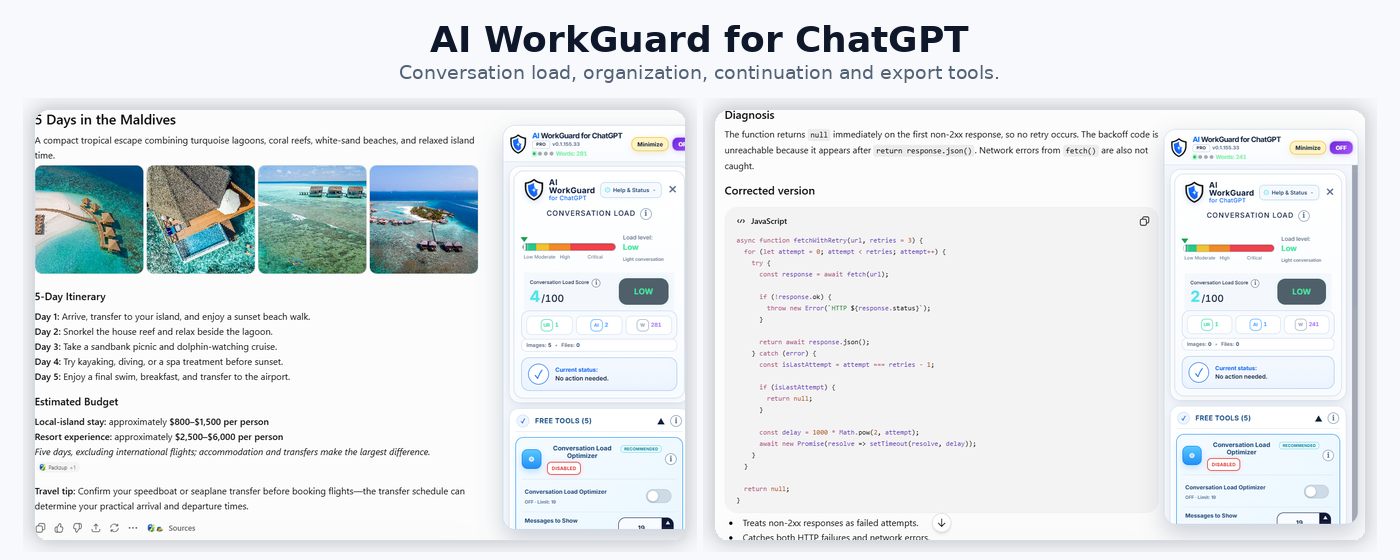
- Check conversation loadView the current load level and long-chat status.
- Create a continuation handoffPreserve the important context and continue in a fresh conversation.
- Export or organize your workGenerate local files or place saved conversations into folders.
- Create continuation handoffs for moving important context into a new conversation.
- View conversation-load information and long-chat status indicators.
- Generate local TXT, DOCX and PDF export files from supported conversations.
- Organize saved ChatGPT conversations into local folders.
- Use additional productivity tools without uploading conversation content to AI WorkGuard Tools servers.

Previous presentation
Earlier AI WorkGuard release
This earlier promotional presentation focused on the original two-part workflow: Handoff TXT for continuing long conversations and Long Chat Guard for reducing the visible load of older conversation turns.
Gemini extension
Long Chat Navigator for Gemini
A browser extension for navigating long Gemini conversations, jumping directly between detected user messages and Gemini responses, and quickly reaching the content you need.
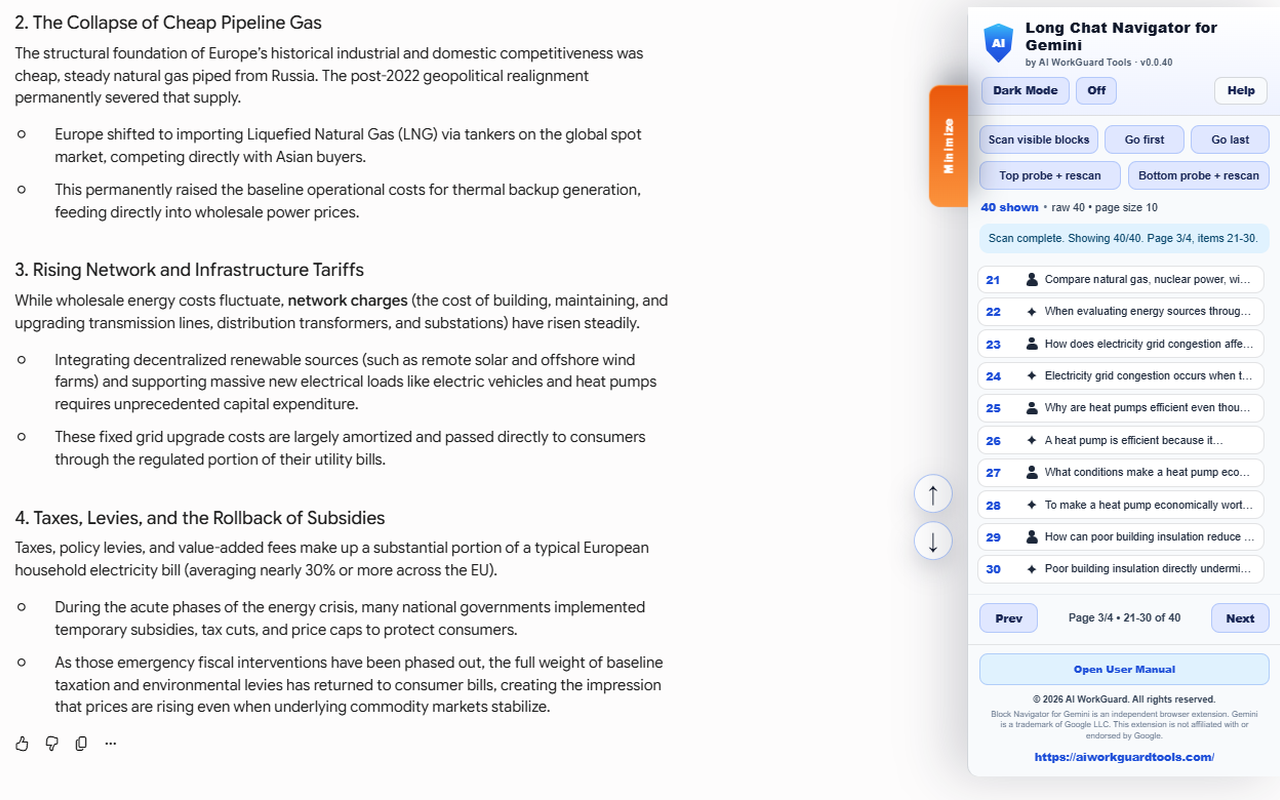
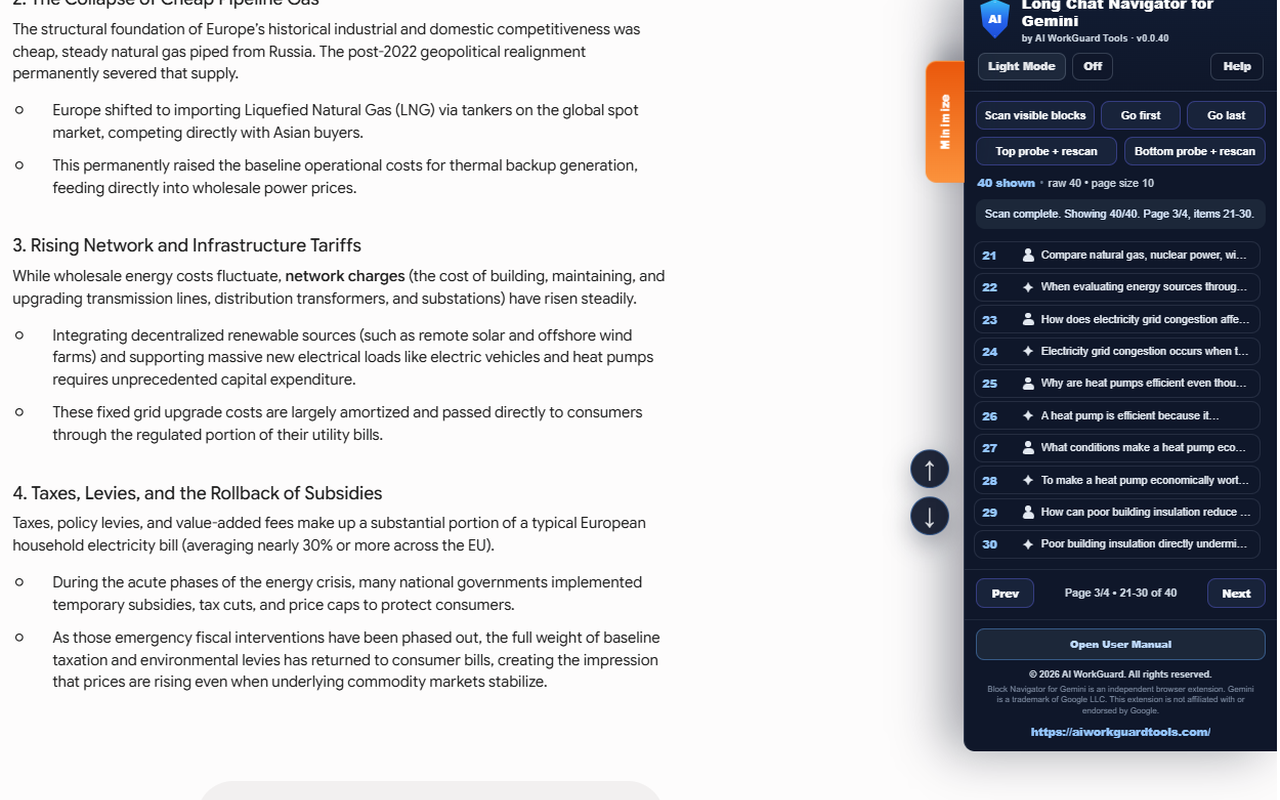
- Automatically scans supported Gemini conversations using temporary DOM monitoring.
- Lists both user messages and Gemini responses with clear role icons.
- Jumps directly to the first, last or any selected conversation block.
- Uses top and bottom probing to discover progressively rendered conversation content.
- Displays detected blocks in pages of 10 and includes Light Mode, Dark Mode and a responsive Help window.
Independent tools: AI WorkGuard Tools extensions are independent and unofficial. They are not affiliated with, endorsed by, sponsored by, or officially connected to OpenAI, ChatGPT, Google, Gemini, Chrome, Mozilla, Firefox, or any AI platform.