
Why Long AI Conversations Need a Clean Handoff Workflow
AI WorkGuard Articles
Long AI conversations can be useful, but they can also become difficult to manage. When a conversation grows over time, important details may be spread across many messages. A clean handoff workflow helps keep the useful context organized so the work can continue in a new chat with less confusion.Update: AI WorkGuard is now available for Chrome and Chromium-based desktop browsers through the Chrome Web Store. A Firefox/Mozilla version has also been submitted through the Mozilla Add-ons process.
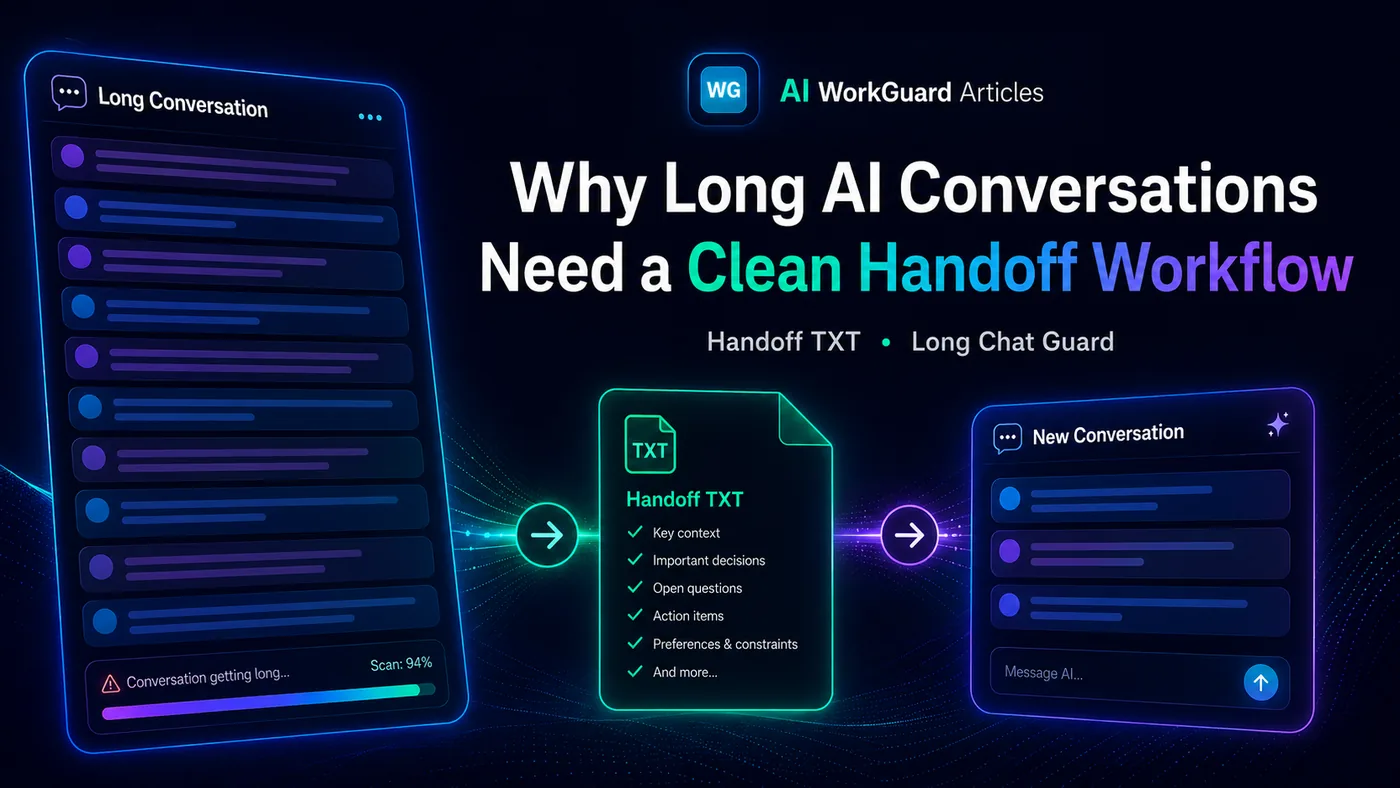
The problem with very long AI chats
A long AI conversation often contains useful information, but not all of it is equally important. After many messages, the user may need to continue the work in a new chat. The problem is that starting a new conversation usually means the new AI assistant does not automatically know the full project context. Project decisions, file names, warnings, next steps, and technical context can become harder to find. The browser page may also become heavier, especially when the conversation contains long answers, code, screenshots, or repeated instructions. This is a common problem for people who use AI tools for real work, not just for short questions.Why copying everything is not the best solution
Copying everything manually is slow and messy. Copying too little can cause mistakes. Copying too much can make the new conversation heavy from the beginning. A clean handoff workflow solves this problem by carrying forward the important context without forcing the user to move the entire old conversation into the new one.What a Handoff TXT file does
A Handoff TXT file is a structured continuation file. Instead of copying an entire long conversation, the user can create a practical summary that includes the most important information needed to continue the work correctly. A useful handoff file may include:- the project name,
- the current status,
- important decisions,
- relevant file names or paths,
- the next action,
- warnings about what should not be repeated.
A clean handoff workflow is useful because it keeps the important working context separate from the unnecessary weight of a very long conversation.
Why browser-side workflow matters
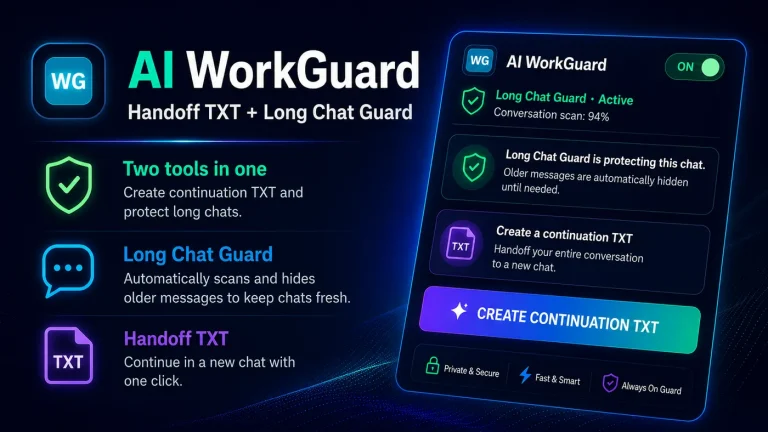
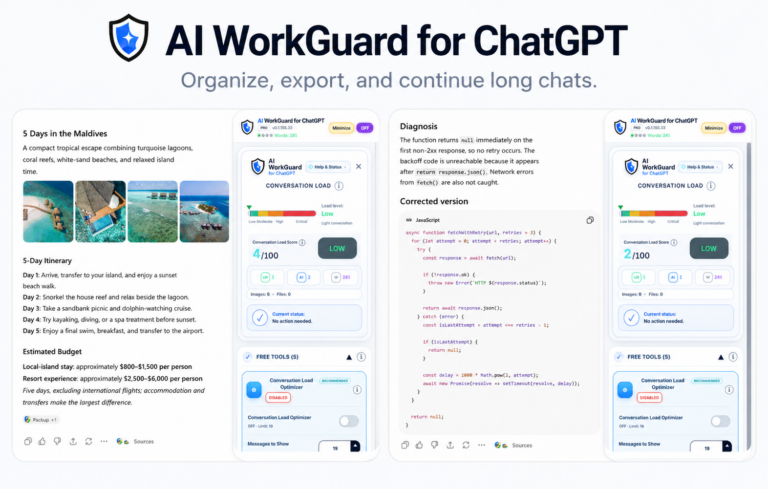
AI WorkGuard is designed as a desktop browser tool. Its purpose is to help users create local continuation / handoff TXT files and keep long conversations easier to manage in the browser. The extension is built around a simple idea: when a conversation becomes too long, the user should have a clean way to move forward without losing the important context. This can be especially useful for technical projects, writing work, research, support cases, and any workflow where the conversation grows over time.Local processing and user control
AI WorkGuard is designed to work locally in the browser for its user-facing handoff function. The generated TXT file is saved through the browser download flow, and the user can review it before using it in a new conversation. This matters because handoff files should not be blindly trusted. The user should always check the downloaded TXT file and confirm that it contains the right context before continuing important work.A cleaner way to continue
Long AI conversations are not going away. In many workflows, they are useful and sometimes necessary. But when they become too large, users need a practical continuation method. A clean Handoff TXT workflow helps reduce manual copy-paste work, keeps project context organized, and makes it easier to continue in a fresh AI conversation. AI WorkGuard was created for that exact purpose: to help long AI work continue more cleanly, with less friction and less repeated context.Independent tool notice: AI WorkGuard is an independent, unofficial browser extension. It is not affiliated with, endorsed by, sponsored by, or officially connected to OpenAI, ChatGPT, Google, Chrome, Mozilla, Firefox, or any AI platform.
Hello