What Is AI WorkGuard and How Does It Help With Long AI Conversations?
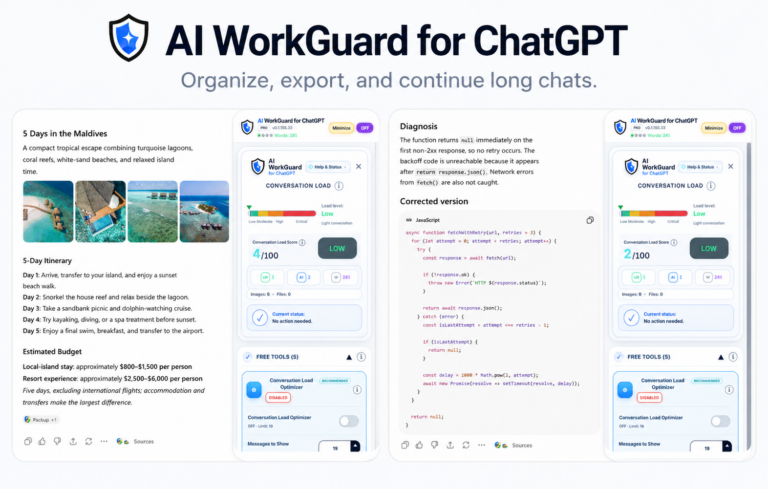
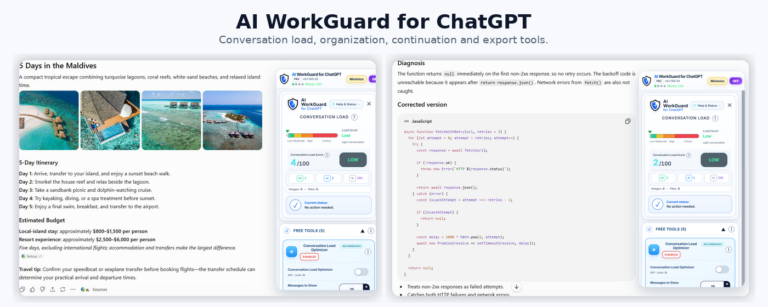
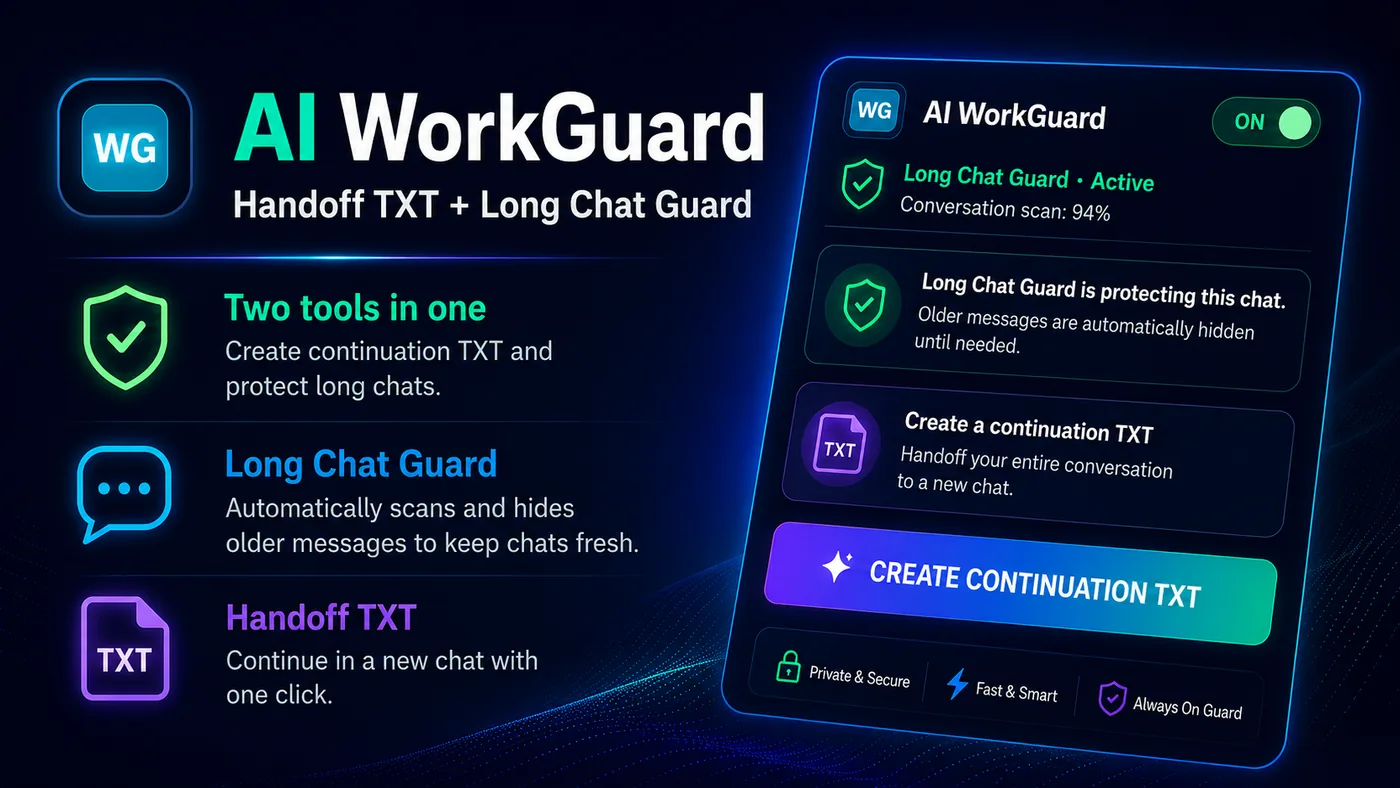
AI WorkGuard is a desktop browser extension for people who work with long AI conversations and need a cleaner way to continue their work in a new chat. It helps create structured Handoff TXT files and keeps large AI conversations easier to manage in the desktop browser.
What is AI WorkGuard?
AI WorkGuard is a browser-based productivity tool designed for long AI conversations. Its purpose is simple: when a conversation becomes too long, heavy, or difficult to continue safely, AI WorkGuard helps the user create a clean continuation file and move the work into a fresh conversation with the important context preserved.
The extension is built for practical work. It is useful when an AI conversation contains project decisions, file names, next steps, warnings, code notes, support details, writing plans, or other information that should not be lost when starting again.
The two main functions
AI WorkGuard is built around two related needs: continuation and long-chat management.
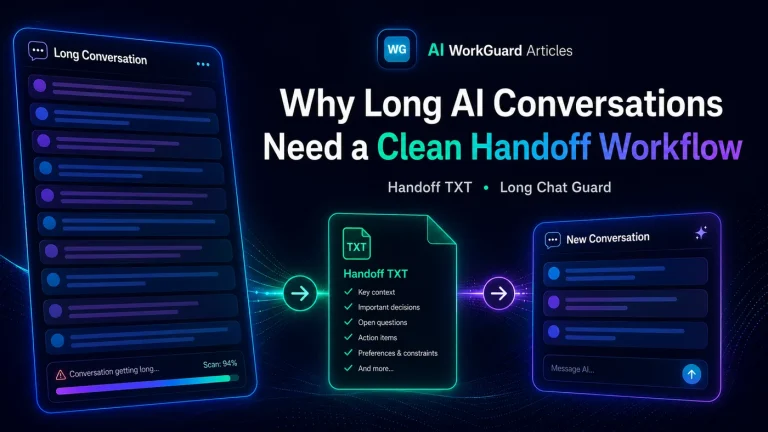
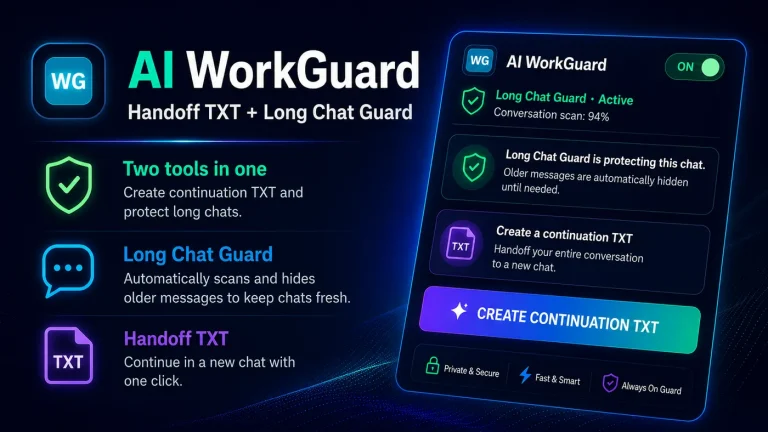
- Handoff TXT: creates a structured continuation file from a long AI conversation.
- Long Chat Guard: helps large conversations stay more manageable in the desktop browser by reducing visible conversation load where supported.
What is a Handoff TXT file?
A Handoff TXT file is a practical continuation file. It is not meant to be a decorative summary. It is meant to help the next AI conversation continue from the right point.
A good handoff may include the project context, current status, important decisions, file names or paths, the next action, and warnings about what should not be repeated.
Why this matters
Long AI conversations are useful, but they can become difficult to manage. Important details may be spread across many messages. The browser page may also become heavier, especially when a conversation contains long answers, code, screenshots, or repeated instructions.
Starting a new conversation without a clean handoff often causes wasted time, repeated explanations, and avoidable mistakes. AI WorkGuard was created to reduce that friction.
Where it works now
AI WorkGuard is currently available for Chrome and Chromium-based desktop browsers through the Chrome Web Store.
The Firefox/Mozilla version has been submitted through the Mozilla Add-ons process. Availability for Firefox depends on Mozilla’s review, approval, and publication process.
What about Gemini and other AI platforms?
AI WorkGuard is intended to support long AI conversation workflows across supported desktop AI platforms. Support for additional platforms, including Gemini, is being tested and planned carefully.
Privacy and local workflow
AI WorkGuard is designed as a local browser tool. For the user-requested handoff function, conversation content is processed locally in the browser and the generated TXT file is saved through the browser download flow.
AI WorkGuard does not operate an external server for processing conversation content, and users should always review the downloaded TXT file before using it in a new conversation.
Who is it for?
AI WorkGuard is for users who work with AI tools on real projects, especially when conversations become long, technical, or difficult to continue. It can help with development work, writing workflows, research, support cases, planning, and any task where context matters.
A cleaner way to continue
The main idea behind AI WorkGuard is that long conversations should not trap the user. When a chat becomes too large, the user should have a clean way to continue elsewhere without losing the working context.
That is the purpose of AI WorkGuard: a practical handoff workflow for long AI conversations.